The build
Front-End Build
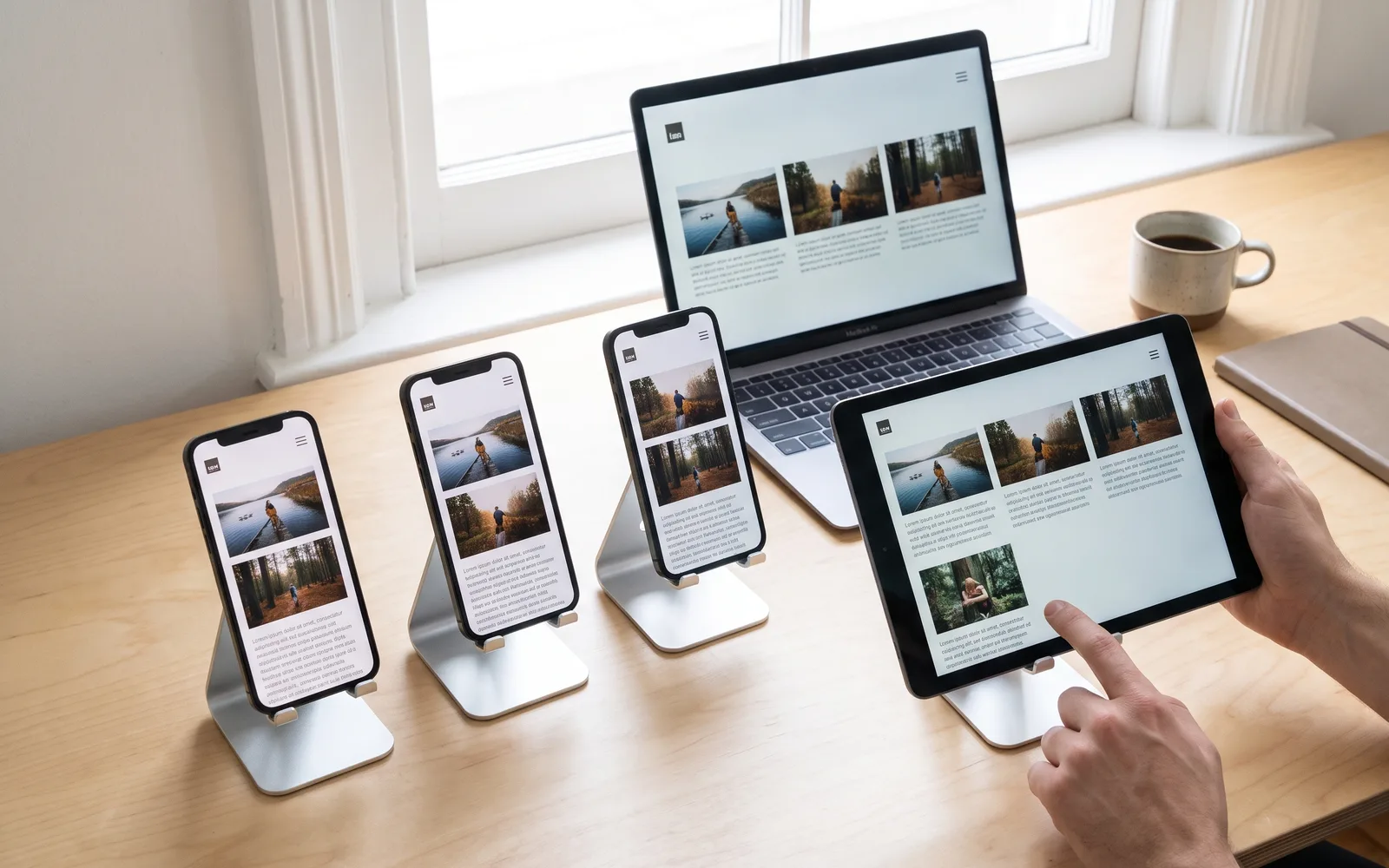
A design file shows one state of one page at one width. The build is every other state: what the form looks like mid-error, how the menu behaves on a phone held in one hand, what fills the space when your heading runs to three lines instead of one. We write semantic markup because it is what screen readers and search engines both read, and we test against your real content rather than the placeholder text that always fits.
The build
CMS and Content Modelling
The content model is the decision everyone skips and everyone later regrets. Before anything is built we work out what kinds of thing your site holds, which fields each one needs and who edits them. Get that right and adding the fortieth case study takes your team four minutes. Get it wrong and every new page is a small development job with an invoice attached.
The build
Custom Functionality
Calculators, portals, booking, gated content, dashboards, anything with a login. The moment a site has to do something rather than say something it becomes an application, and it needs the things applications need: validation, error states, somewhere for the data to go, and a plan for what happens when two people submit at once.
The build
Migrations and Replatforming
Moving a site is mostly a URL exercise. Every page that earns traffic today is mapped to where it will live tomorrow, before launch rather than after a drop. We take an inventory first, agree what is being retired on purpose, and keep the redirect map as the record — which is how a replatform ends up invisible to everyone except your own team.
Making it hold up
Performance and Core Web Vitals
Speed is a measurement, not an adjective. We set a page-weight budget before the build starts, handle images and fonts properly, and keep third-party scripts on a short leash, because they are usually what turns a fast site slow. Then we test on a mid-range Android on a normal connection, which is the device most of your visitors are actually holding.
Making it hold up
Accessibility
Keyboard navigation, focus that is visible, contrast that passes, labels that make sense read aloud, and headings in an order that describes the page. It is the same work that makes your site usable on a cracked phone in bright sun, which is why we treat it as part of the build rather than an audit at the end when everything is expensive to change.
Making it hold up
Testing and QA
On real devices and real browsers, not just the one the developer happens to use. Forms submitted, journeys walked end to end, the awkward combinations tried deliberately. The point of QA is to find the broken thing before a customer does, because a customer who finds it does not file a bug report — they leave.
Connected and kept
Integrations and APIs
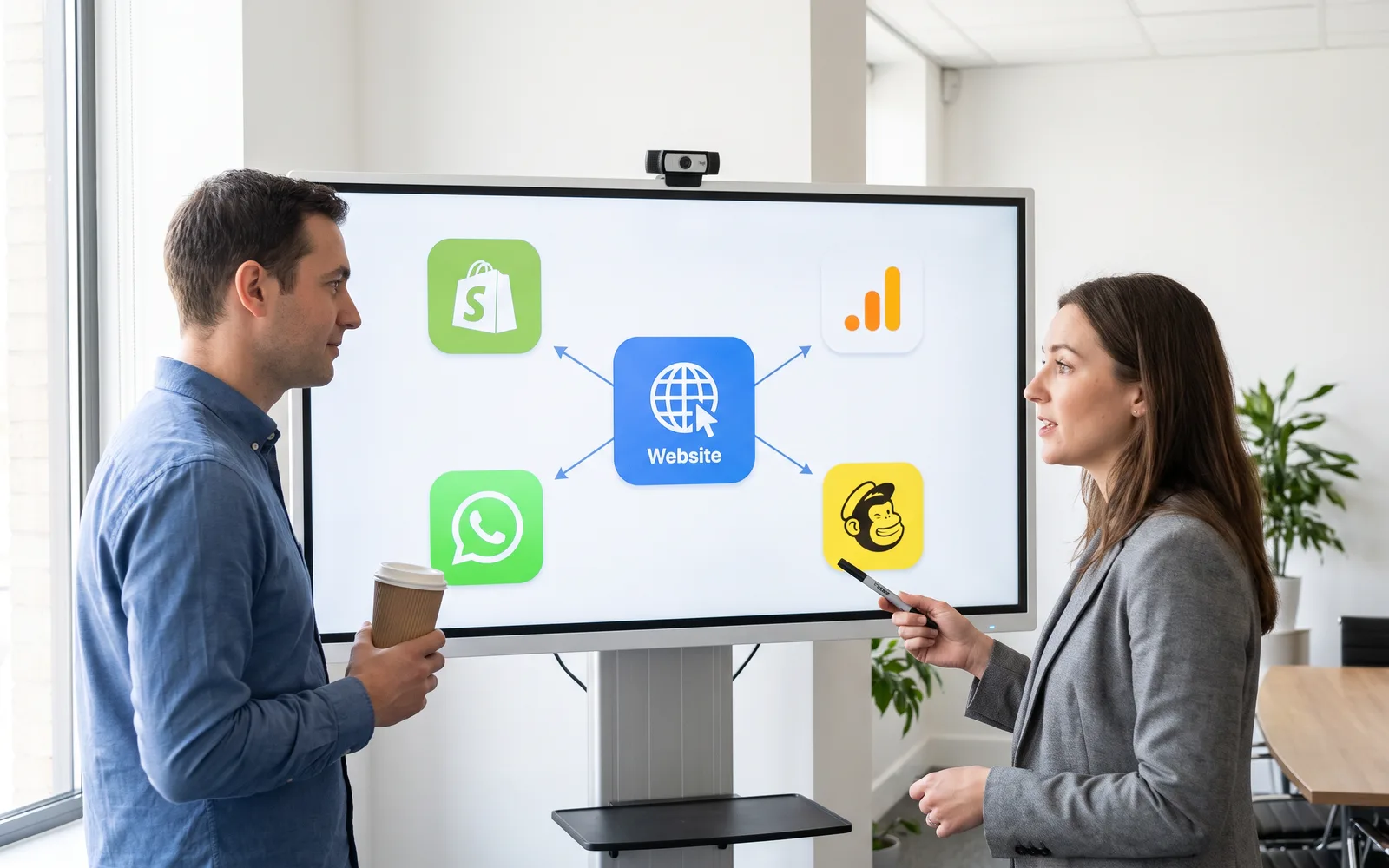
Your CRM, your ERP, your payment provider, your marketing stack, your booking system. An enquiry should land where your team already works instead of in an inbox somebody checks on Fridays. We connect the site to the systems you already run, handle the failures quietly, and tell you when an integration is going to cost more than the manual step it replaces.
Connected and kept
Security and Updates
Most sites are not broken into, they are left open. Core and plugin updates, sensible permissions, backups that have actually been restored once to prove they work, and HTTPS done properly. Dull, scheduled, and far cheaper than the week you would otherwise spend explaining a defaced homepage to your customers.
Connected and kept
Support and Maintenance
A site is not finished the day it launches. Things drift: a plugin changes, an image creeps up in size, a browser ships an update. We keep an eye on uptime and load times and fix the small things before they become the reason your enquiries stopped. Anything larger gets scoped and quoted, so you see the cost before you agree to it.
Runs alongside
Website Design
The look, the structure and the way the site reads are a separate brief from the build, and they have their own page.
See our website design
Runs alongside
E-commerce Development
A storefront carries decisions a website does not — catalogue, checkout, payments and what happens when a parcel goes missing. That work sits on its own page.
See our e-commerce development
Runs alongside
Shopify Development
If what you are building is a shop rather than a site, Shopify is usually the shortest route to trading: hosting, payments and security come handled, so the budget goes into the storefront rather than the plumbing. We build custom themes rather than reskinning a bought one, which is what keeps the checkout quick and unbroken.
See our Shopify development